

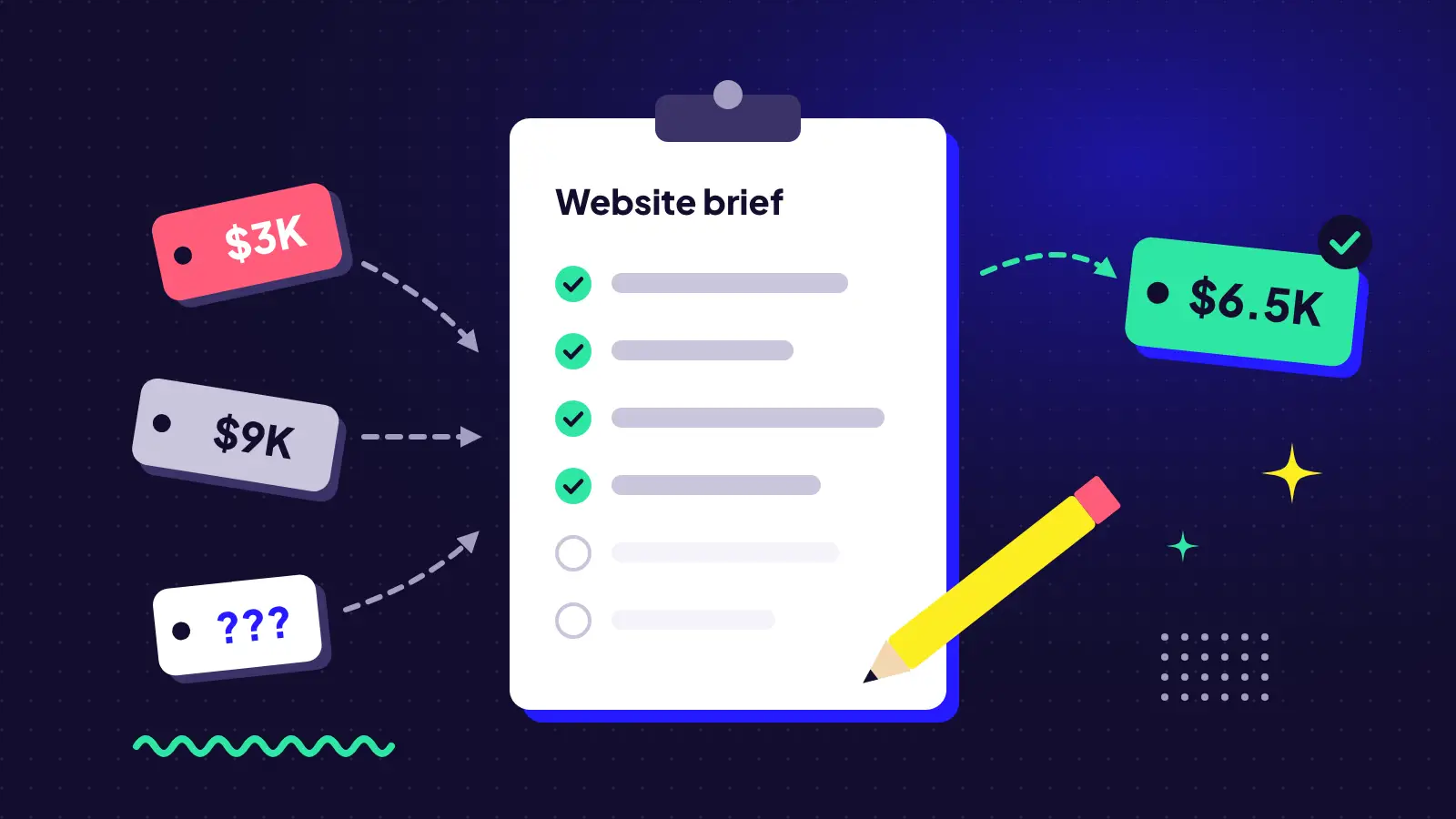
You reach out to three web designers. One quotes $3,000. One quotes $9,000. One sends back a list of 20 questions. Who’s right?
Usually, all of them. They’re just pricing three different projects, because they each had to guess what you actually need.
A good website brief fixes that. It doesn’t need to be long or technical. It just needs to answer the questions every designer is going to ask anyway, so everyone is quoting the same thing.
Why vague briefs cost you money
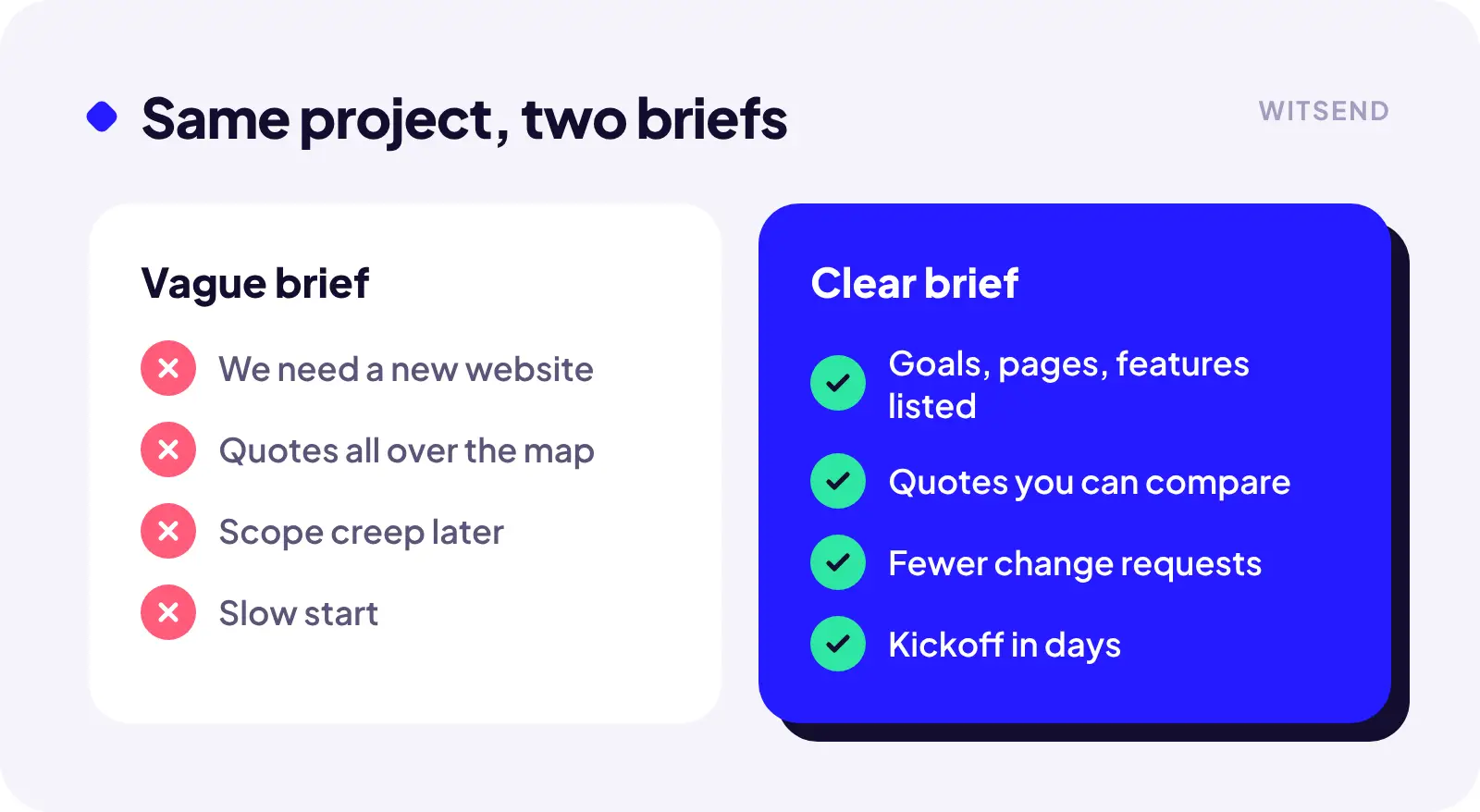
When a brief is vague, designers do one of two things. They pad the quote to cover the unknowns, or they quote low and make it up later in change requests. Neither is great for you.
A clear brief gets you:
- Quotes you can actually compare side by side
- Fewer surprises halfway through the project
- A faster start, because the discovery work is already half done
What to include in your brief
1. Who you are and what you sell
Two or three sentences. What your business does, who your customers are, and what makes you different. Skip the mission statement. Plain words are more useful.
2. What the website needs to do
This is the most important part, and the one most people skip. “Look modern” is not a goal. These are goals:
- Get more quote requests from commercial clients
- Let guests book directly instead of through third-party sites
- Cut down on the same five questions we answer by phone every day
If you can attach a number to it (more leads, fewer calls), even better.
3. The pages you think you need
A rough list is fine: Home, About, Services (maybe one page per service), Contact, Blog. Note anything unusual, like a careers section, a location finder, or a members area. Page count is one of the biggest factors in price.
4. Features and integrations
This is where quotes swing the most. Be specific about anything beyond basic pages:
- Online booking or scheduling
- E-commerce (and roughly how many products)
- Forms that connect to your CRM or email platform
- Multiple languages
- Gated content or logins
5. Content: who’s writing it?
Do you have copy and photos ready, or do you need help? Content is the number one reason website projects stall. Being upfront about it saves weeks.
6. Sites you like (and why)
Share two or three websites you like and one you don’t. The “why” matters more than the link. “I like how simple their pricing page is” is far more useful than a URL on its own.
7. Budget and timeline
Yes, share a budget range. It’s not a trap. It tells a designer whether to propose the lean version or the full build, and saves everyone from a proposal that’s way off. Same goes for timeline: if you have a hard launch date, say so.
8. Who makes the decisions
Will one person approve the work, or a committee of five? More decision makers means more review rounds, and that affects timeline and cost.
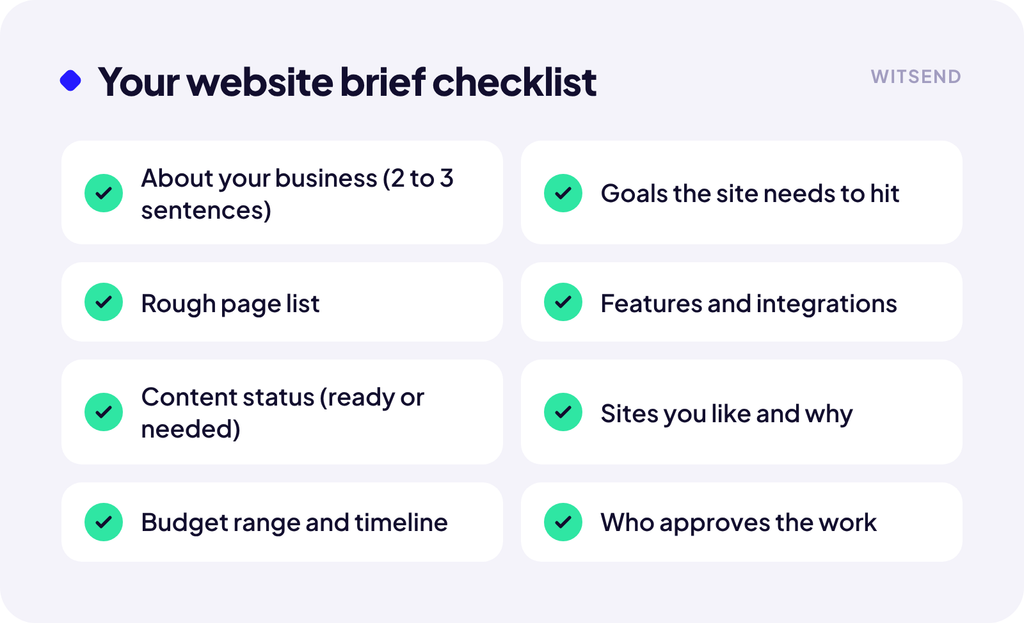
Want a head start? Use our free online website brief. It walks you through all eight sections in about five minutes and emails you a copy of your answers, ready to share with any designer you’re talking to.
Keep it to two pages
A brief isn’t a novel. A two to four-page document (or even a well-organized email) that covers the eight points above is enough for any experienced designer to give you a solid number. If something is unclear, a good designer will ask. That’s a good sign, not a red flag.
Get our free website brief template
If you’re staring at a blank page, start with our online website brief. Answer what you can, skip what you’re unsure about, and you’ll get a copy of your answers by email. Use it with us or with any other designer. It’s yours either way.
Prefer a document? Download the brief as a fillable PDF.
And if you’d like us to take a look, send it our way. You’ll get a straight answer on what your project should cost.